Audio exports like WAV, MP3, and OGG capture how a track sounds. A MIDI export captures what a track is: every note, its pitch, its timing, and its velocity, stripped of the specific synth engine that played it.
Audio captures how a track sounds. MIDI captures what the track is.
That distinction matters the moment a project needs to leave ArcadeComposer for a purpose other than listening: handing a sketch to a live player to read, dropping notes into a notation program to print sheet music, or pulling a composition into another DAW for a final pass with different instruments.
ArcadeComposer generates a real Standard MIDI File entirely in the browser, and it is built specifically around how the app’s pattern sequencer and song timeline actually work, not a generic “record the output” bounce. This post walks through what happens when you click Export MIDI.
What Gets Exported: The Full Arrangement, Not Just a Pattern
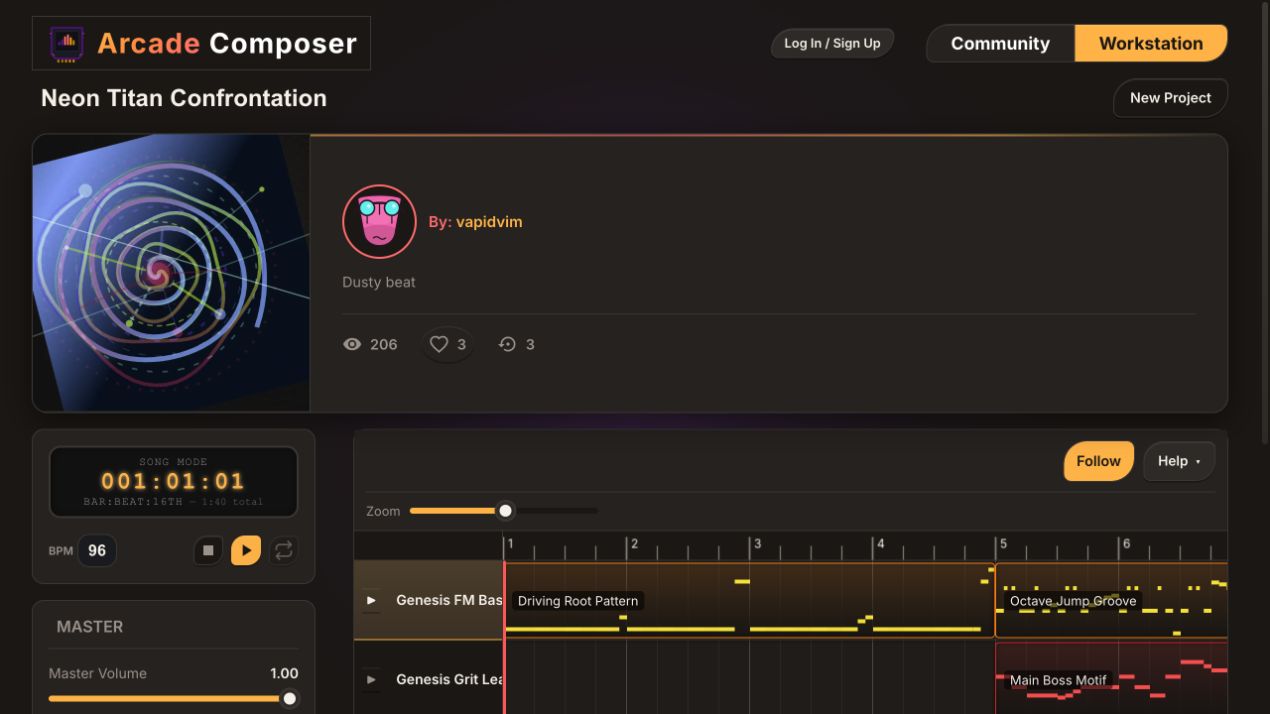
A common misconception with MIDI export in any DAW-like tool is that it dumps out one pattern or one loop. ArcadeComposer’s MIDI export instead walks the entire song arrangement — every clip placed on the song timeline, for every instrument — and expands it into concrete, timestamped notes.
That expansion respects:
- Clip placement and duration. Each clip’s start time and length on the timeline determines exactly where its pattern’s notes land in the final file, and patterns loop to fill the clip the same way they do during playback.
- Pattern offset. If a clip starts partway into its pattern, the exported notes start from that same offset rather than always from beat one.
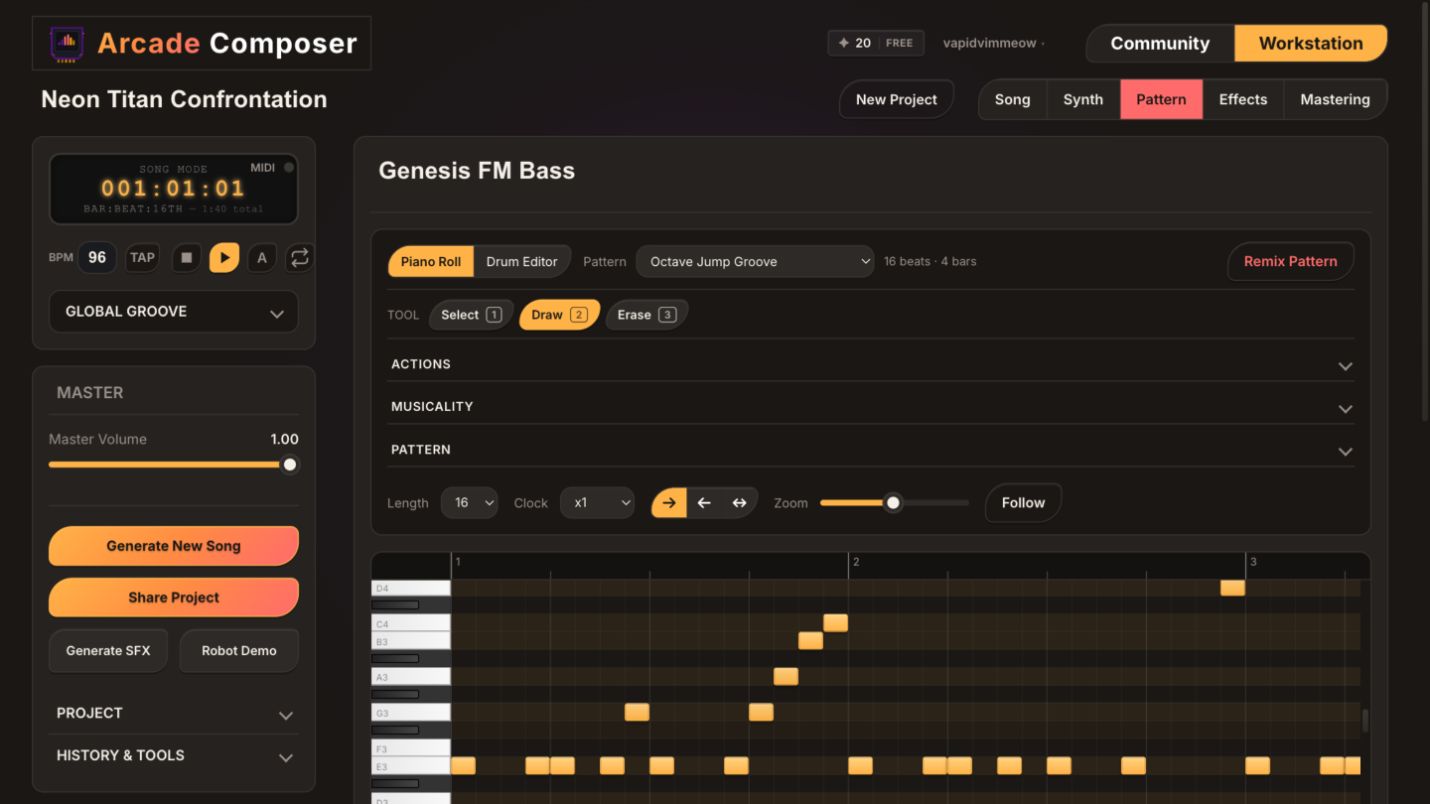
- Playback direction. Patterns set to play forward, backward, or in a pendulum, back-and-forth direction export with that same note order and timing, not just the default forward reading.
- Multiple patterns per instrument. Since an instrument can hold several patterns, such as a calm loop and an intense loop, placed as different clips across the timeline, the export reflects whichever pattern is actually playing at each point in the arrangement. It preserves the same adaptive structure you built, not a flattened single loop.
In short, the exported MIDI file is a faithful transcription of the whole song as arranged, not a single pattern rendered in isolation.
A Standard MIDI File, Built for Compatibility
Under the hood, ArcadeComposer writes its own Standard MIDI File, or SMF, byte-by-byte in JavaScript. There is no server round trip and no third-party conversion service.
The file uses SMF format 1, the widely supported layout where one dedicated tempo/meta track holds the song’s BPM and time signature, and every instrument gets its own named track:
- The tempo track encodes the project’s BPM as a proper MIDI tempo meta-event and a 4/4 time signature, so any DAW or notation program that imports the file reads the correct tempo immediately instead of defaulting to 120 BPM.
- Each instrument track carries both a Track Name and an Instrument Name meta-event set to that instrument’s name in ArcadeComposer, so when you open the file elsewhere, tracks are labeled recognizably instead of “Track 1” or “Track 2.”
- Note timing uses 128 ticks per quarter note, or PPQ, giving enough resolution for swung and syncopated rhythms to translate cleanly rather than snapping to a coarse grid.
- Internal validation checks the header, chunk structure, and track boundaries before the file is offered for download, so you do not end up with a corrupt file if something upstream produced bad data.
Export facts
-Standard MIDI File format 1
-A dedicated tempo and time-signature track
-One named track per instrument
-128 pulses per quarter note for timing resolution
-Drum instruments routed to MIDI channel 10
The export is structured for predictable import into DAWs, notation tools, and compatible hardware.
MIDI’s channel and instrument model does not map one-to-one onto ArcadeComposer’s custom synth engine, so the export makes a couple of deliberate, compatibility-first decisions:
- Drum-mode instruments are written to MIDI channel 10, the long-standing General MIDI convention for percussion. Any instrument using the sequencer’s drum editor is detected automatically and routed there.
- Melodic instruments are distributed across the remaining channels, channels 1–9 and 11–16, skipping channel 10 entirely so a bassline or lead never accidentally inherits a drum kit mapping when opened in another program.
- Every melodic track is assigned General MIDI program 0, Acoustic Grand Piano, as a neutral default. This is not a claim that your synth patch sounds like a piano. It is a deliberate placeholder. ArcadeComposer’s oscillators, wavetables, and Faust-based voices do not correspond to any of the 128 General MIDI instrument slots, so rather than guessing at a misleading mapping, every track gets the one program number every General MIDI device and software instrument supports and interprets consistently. From there, you assign the actual sound you want in whatever DAW or notation tool receives the file.
Timing Details That Carry Over
A few performance details that are easy to lose in a naive MIDI export are preserved here:
- Swing. If an instrument, or the whole project via global swing, has swing applied, the exported note start times are shifted by the same swing calculation used during live playback, converted into MIDI ticks. Off-beat notes land where they actually groove, not on a straight grid.
- Velocity. Each note’s velocity is carried over and scaled to the standard MIDI 0–127 range, so dynamic differences between notes, such as a hard-hit downbeat versus a soft ghost note, survive the export instead of flattening to a single velocity.
- Note duration. Durations are calculated in ticks from each note’s actual length and clipped correctly when a note would otherwise run past the end of its clip, so tied notes at clip boundaries do not spill over incorrectly.
- Solo and mute state. If any instrument is soloed, only soloed instruments are included in the export. Otherwise, muted instruments are skipped entirely. This makes it easy to export just a bassline or just a lead for a stem-style MIDI handoff without a separate project copy.
What Does Not Carry Over: The Arpeggiator
One honest limitation worth knowing: ArcadeComposer’s arpeggiator runs as a real-time effect inside the synth voice itself, turning a single held note or chord into a fast repeating pattern at the audio level.
Because of that, MIDI export writes out the underlying held note you actually placed in the sequencer, not the individual fast pitches the arpeggiator generates during playback.
If a project leans on the arpeggiator for its character and you need those exact stepped pitches in another program, you will want to re-create the arpeggio there. Most DAWs and notation tools have their own arpeggiator, rather than expecting the MIDI file to contain pre-arpeggiated notes.
When to Reach for MIDI Export Instead of Audio Export
MIDI and audio exports solve different problems, and it is worth knowing which one fits the task:
Choose the right export
- Handing a composition to a live player or notation software to read and perform: use MIDI, since it preserves pitch and rhythm as editable data rather than a fixed waveform.
- Moving a project into another DAW for a final mix with different virtual instruments or live-recorded parts: use MIDI, since it gives you note data to reassign rather than audio you would have to re-record from scratch.
- Getting a finished loop or track into a game engine, video, or release: use WAV, MP3, or OGG, since those formats are what actually plays back the finished sound, including OGG, a standard format for Unity and Godot.
- Archiving the compositional structure of a song independent of any specific synth sound: use MIDI, since it is a durable, engine-agnostic record of what was played.
- When in doubt, export both audio for playback and MIDI for future editing.
A common workflow is exporting both: an audio bounce as the finished, game- or release-ready asset, and a MIDI file as a portable backup of the underlying composition. That backup is useful if you ever want to revisit the same notes with a different instrument, hand them to a collaborator, or notate the piece properly.
Summary
Arcade Composer’s MIDI export reads your entire song arrangement — every clip, pattern loop, and playback direction across the timeline — and writes it as a standards-compliant Standard MIDI File, entirely client-side.
Drum parts land on channel 10 automatically, melodic parts get a safe General MIDI piano placeholder so they play back predictably anywhere, and swing, velocity, and note duration are preserved so the export still feels like your performance rather than a flattened MIDI grid.
The one feature that does not translate is the real-time arpeggiator, which is worth knowing before you export a heavily arpeggiated part expecting the individual steps to show up as notes.